Processing payment...
  • Apps & Software
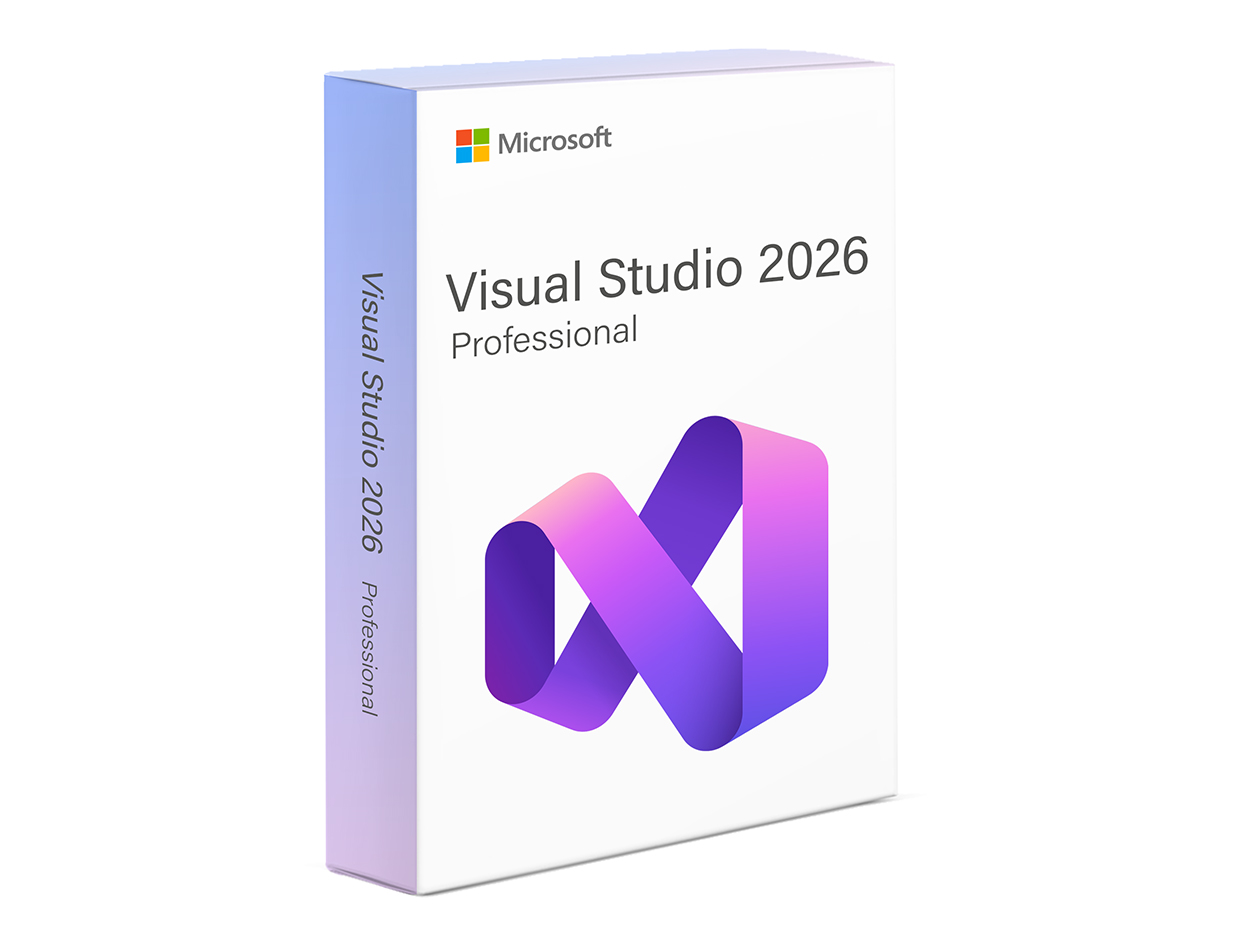
Microsoft Visual Studio Professional 2026

Microsoft Visual Studio Professional 2026

1 Review
Deal Price$49.99
Suggested Price
$499.99
You save 90%
Brand Microsoft
DescriptionImportant DetailsReviewsRelated Products

Experience Next-Generation Cross-Platform Development & AI-Powered Collaboration for Seamless, Efficient Programming

Description

Code Faster, Work Smarter with Visual Studio 2026

Visual Studio Professional 2026 is a fully featured development environment that developers around the world know & love — now enhanced with deeper AI integration, improved performance & more powerful collaboration tools.


Built as a 64-bit IDE, it makes it easier than ever to work with very large solutions & complex workloads. Boost your productivity, write high-quality code & re-imagine team collaboration with an advanced suite of tools & built-in integrations designed to tackle the most demanding development workflows & deliver modern, cloud-connected applications.

Build across languages and platforms

  • Craft cross-platform mobile & desktop apps with .NET MAUI
  • Build responsive Web UIs in C# with Blazor
  • Build, debug, & test .NET & C++ apps targeting Windows, Linux & containers
  • Use hot reload capabilities across .NET & C++ apps to apply code changes instantly
  • Edit running ASP.NET/ASP.NET Core pages in the web designer view
  • Integrate seamlessly with Azure, GitHub & other DevOps workflows

Type less, code more with Intellicode and AI

  • Understand your code context: variable names, functions, libraries & the type of code you’re writing
  • Complete a line or block of code based on patterns learned from your codebase
  • Get a ranked list of next best suggestions, helping you code more rapidly & accurately
  • Use built-in AI-assisted refactoring & code suggestions to reduce bugs & boilerplate

Gain deep insights into your code with codelens

  • Reveal crucial information such as recent changes, authors, tests & commit history directly in the editor
  • See test status & references without leaving your code
  • Make informed decisions with a comprehensive overview of your codebase and activity

Collaborate seamlessly with live share

  • Run real-time collaboration sessions with teammates — no need for them to clone repos or install all dependencies
  • Speed up your team’s edit & debugging cycles with personalized sessions, access controls & custom editor settings
  • Keep everyone aligned so your team’s code stays consistent & maintainable

Reviews

★ ★ ★ ★ ★ “Powerful, modern IDE with excellent AI tooling for professional teams.”
★ ★ ★ ★ ★  “Great for cross-platform development and cloud projects.”

Specs

System Requirements

  • Supported Operating Systems
    • Windows 11 (Home, Pro, Pro Education, Pro for Workstations, Enterprise, Education)
    • Windows 10 (latest supported versions: Home, Pro, Education, Enterprise)
    • Windows Server 2022: Standard and Datacenter
    • Windows Server 2019: Standard and Datacenter
  • An up-to-date, fully patched version of the operating system is recommended for best performance and security.


Hardware

  • Processor: ARM64 or x64 processor; quad-core or better recommended
  • Memory:
    • Minimum: 4 GB RAM
    • Recommended: 8 GB RAM or more (especially for large solutions and multiple workloads)
  • Storage: From 850 MB up to 210 GB of available space, depending on installed features and workloads
  • Display: Minimum resolution: 1920 × 1080 or higher recommended
  • Internet: Internet connection required for sign-in, license activation, updates, and some online features


NOT Supported

  • 32-bit Windows operating systems
  • ARM32 operating systems
  • Not compatible with iOS (iPhone, iPad), Android devices, or Chromebooks as a native IDE


Important Details

  • Length of access: Lifetime
  • License type: Professional, single-user license
  • Redemption deadline: Redeem your code within 30 days of purchase
  • Access options: Desktop installation on supported Windows operating systems
  • Max number of device(s): 1
  • Version: Visual Studio Professional 2026
  • Languages supported (IDE UI):
    Visual Studio is available in English, Chinese (Simplified), Chinese (Traditional), Czech, French, German, Italian, Japanese, Korean, Polish, Portuguese (Brazil), Russian, Spanish, and Turkish.
  • Updates included: Minor updates and security fixes for the 2026 Professional release channel (according to Microsoft’s lifecycle policy)
  • Activation method: Online activation with Microsoft account required
  • Have questions on how digital purchases work? Learn more here
  • Learn more about our Lifetime deals here


Terms

  • Unredeemed licenses can be returned for store credit within 30 days of purchase. Once your license is redeemed, all sales are final.
1 Review
5/ 5
All reviews are from verified purchasers collected after purchase.
so

sam oshmyansky

Verified Buyer

What a bargain! I fought that 2022 version was a giveaway for $10 but latest Visual Studio for $50 is unbelievable price.

Jan 24, 2026
Your Cart
Your cart is empty. Continue Shopping!
Processing order...